Skip to main content
Students - Log into Classlink LaunchPad from Chromebook
- Open your Chromebook
- If you are in Preschool through 3rd grade, your screen will automatically open up to a camera where you can scan your QuickCard QR code to sign in.
- If you are in 4th through 8th grade, you will be prompted with a login screen
- Type in your student number in the Username box (you do not need to type your entire email address)
- Type in your password
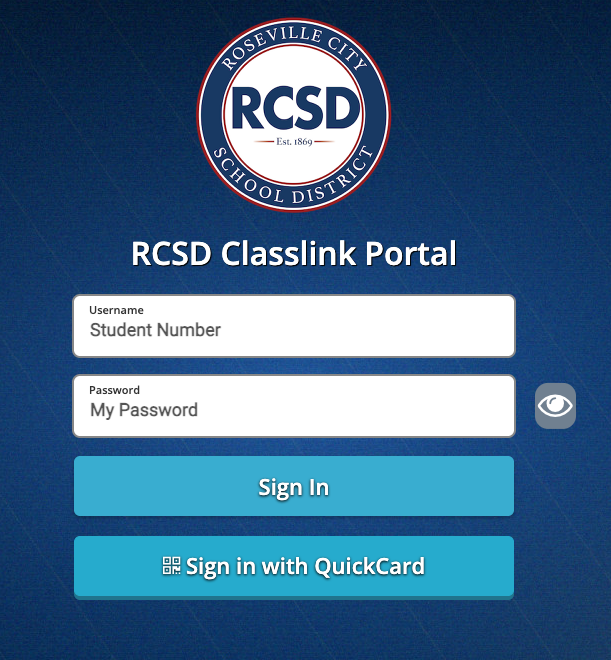
- If you have your QuickCard, you can click the Sign in with QuickCard button, which will then open a camera

Comments
0 comments
Article is closed for comments.