Skip to main content
Students - Log into Classlink LaunchPad From Home
-
Open a Web browser
-
From the address bar, type the following URL: https://launchpad.classlink.com/rcsdk8
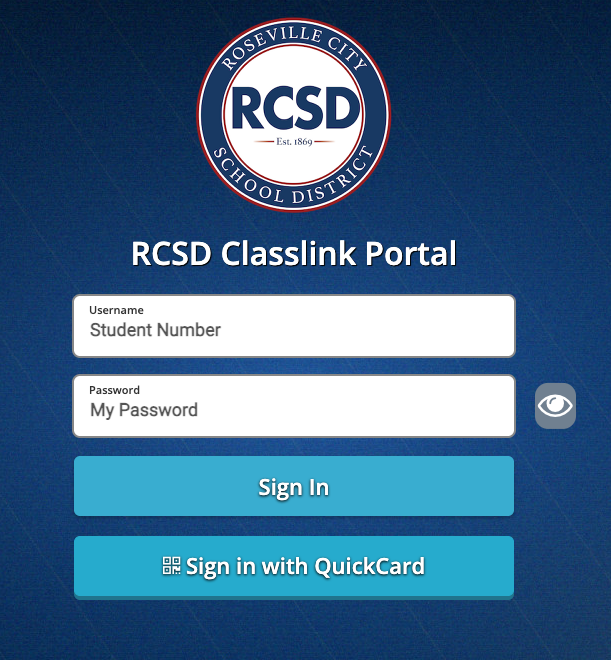
- For your username, please enter your student number without @rcsdkids.us. Your password is the same password you use to log in to Gmail.
-
If you have your QuickCard, you can click the Sign in with QuickCard button, which will then open a camera

Comments
0 comments
Article is closed for comments.